ApeDrive
See your people. See the road. Go together.
Not a taxi. Not a marketplace. Just friends on a live map, and only when they choose to be seen.
How it works
Four steps. Then you are on the map.
The same story you will see the first time you open the app.
See your people
Friends show up on a live map — only when they choose to share.
Know who is driving
See who is on the road right now and where they are heading.
Go together
Nearby meets, crew, and convoy — stay as a group on the road, not five solo bubbles.
Your location stays yours
Nobody sees you until you turn sharing on. You can cut it off instantly.
In the app
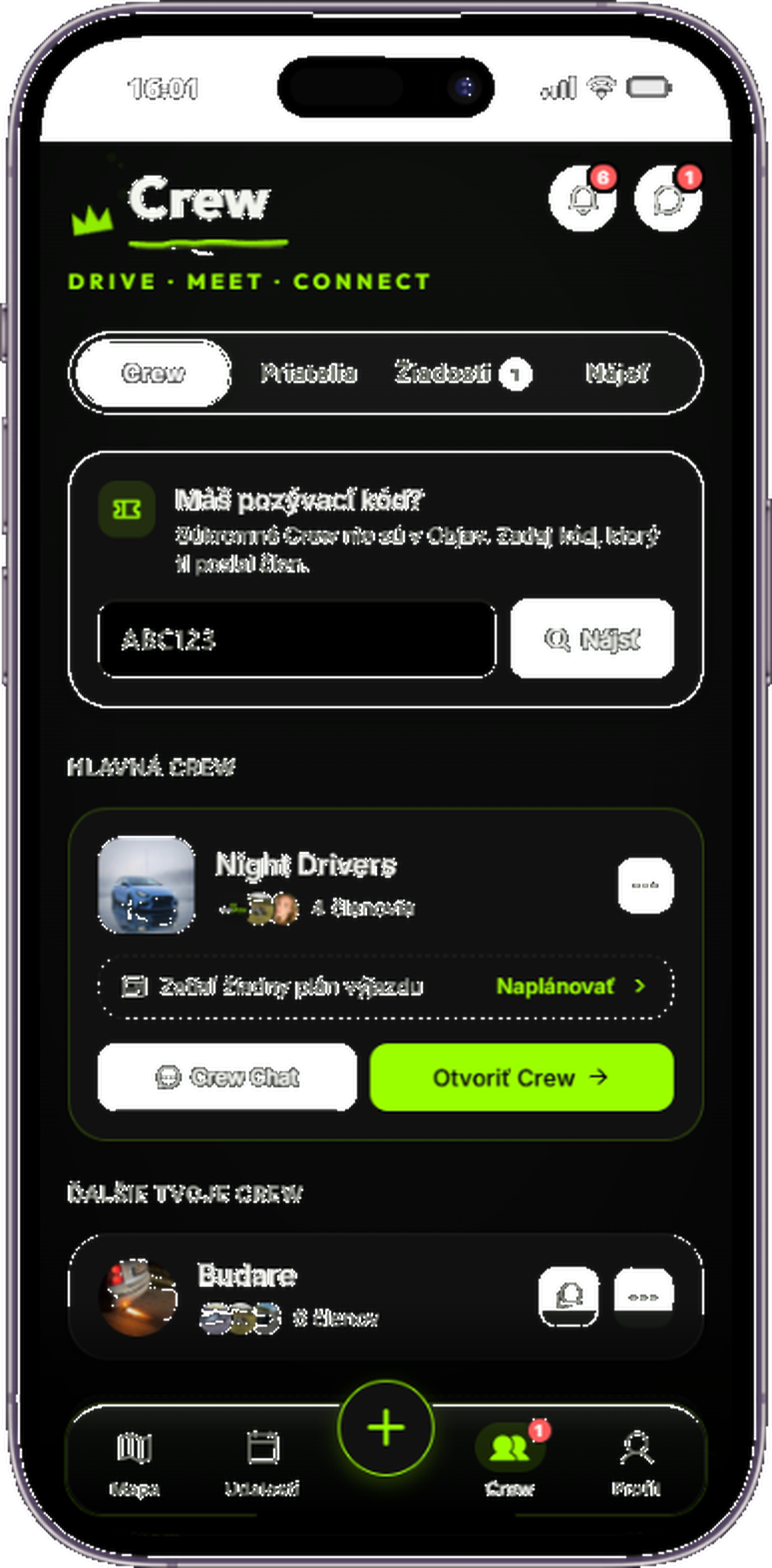
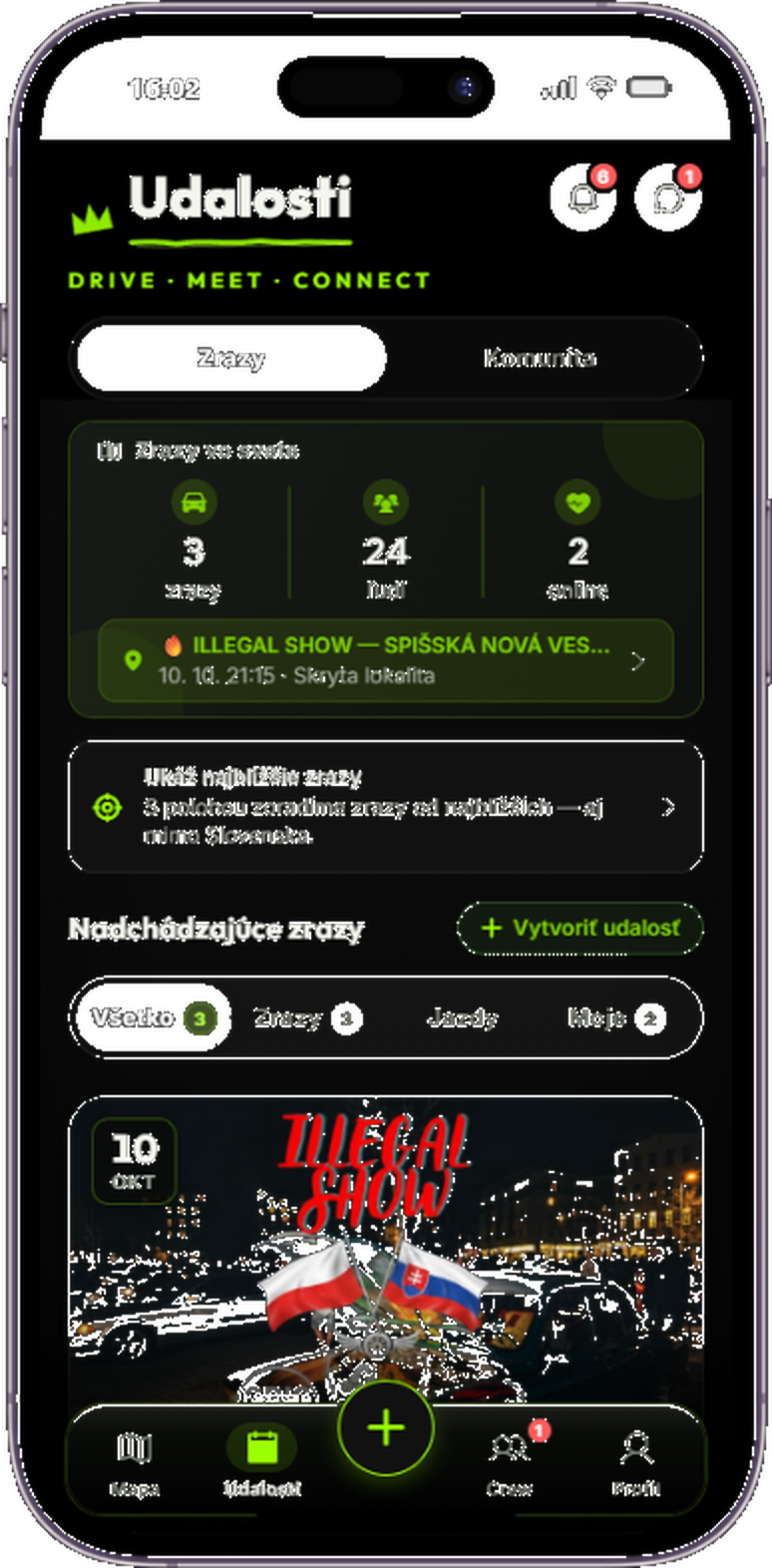
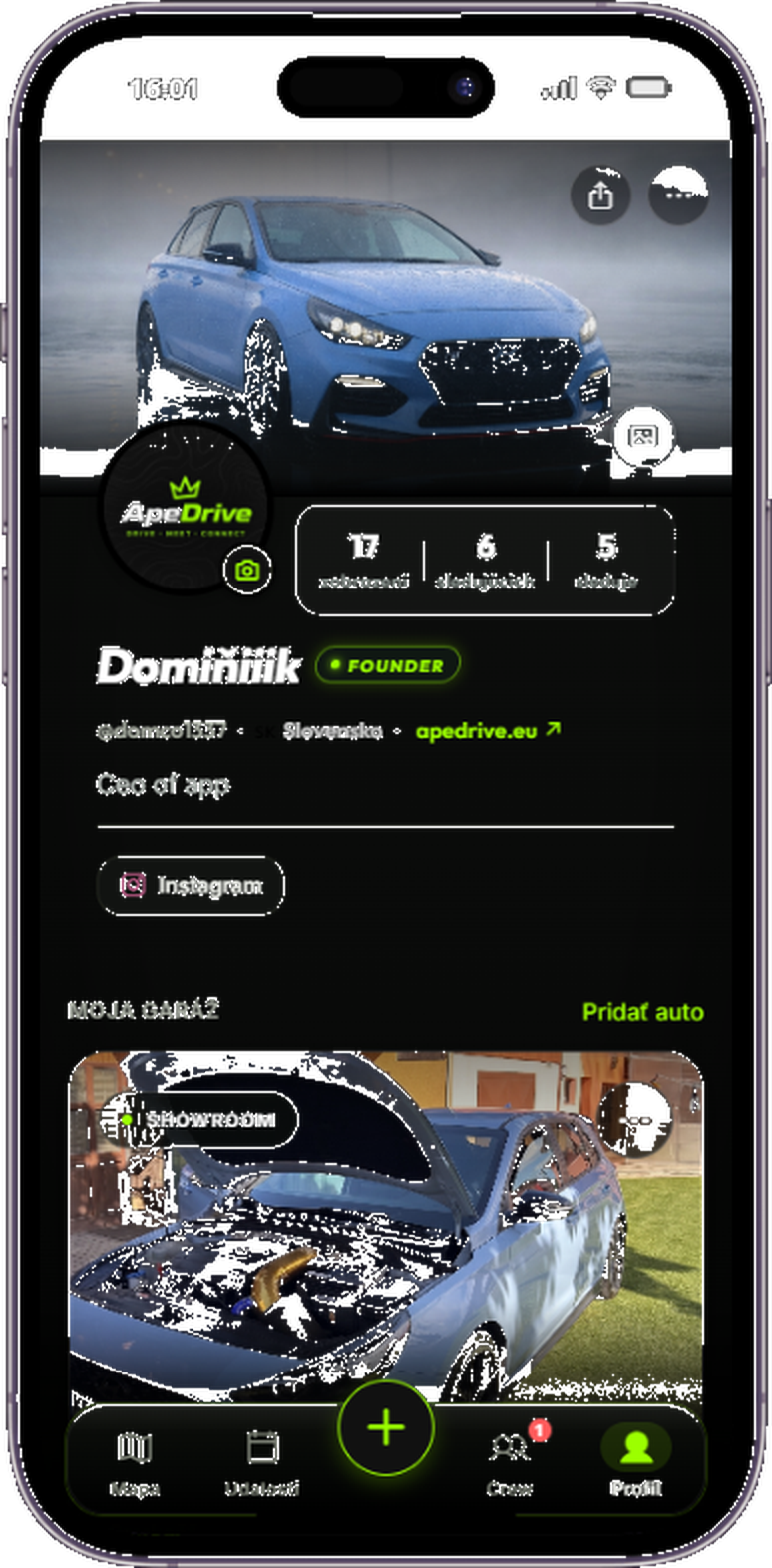
Three screens. One crew.
Profile, crew, and meets — the same views you open on your phone.
Choose a screen. Open the enlarged preview to take a closer look at every detail.
Features
Your map. Your rules.
Live location, shared garage, and trips. All in one place. Just your people, no strangers.
Live map
See who is driving, where they are going, and how far — in real time.
Privacy first
Opt-in location sharing only. No permanent background tracking.
Garage & Profile
Add your cars, customize your profile, and show off your machines.
People and crew
Friends, close friends, clubs. Build your crews and stay together.
Trips and meets
From small spontaneous runs to large meets with friends.
Convoy
Join a single destination. Share the route and arrive as a team.
STATS & PERFORMANCE
The power of community. By the numbers.
A current snapshot of the community. Meet and crew counts include public content only.
0
Shared locations
Locations currently available in the system
8
Public meets
Meets published by the community
14
Public crews
Clubs open to the community
Privacy
Nobody sees you until you turn it on.
Privacy is not a settings afterthought. It is the product.
Location is shared only when you enable it. Default: nobody sees you.
A stranger will not see you — not via a link, not on the map, not in a “discovery” feed.
When you stop sharing, live location leaves the map. Saved trips stay according to your privacy settings.
Install
App Store now. Android APK early access.
Get ApeDrive for iOS on the App Store, or download the Android APK directly. We will email you when Google Play opens.
* Download the APK, then open it from Downloads. If the download does not start inside another app, open this page in Chrome or your browser. Allow installation from this source only if you trust the downloaded file.
Waitlist
One email. No spam. Just a note when we launch on Google Play.
We will only use your email for a one-time invite when Google Play launches.
Feedback
What would you improve?
Tell us what features you miss or what we should add next. It goes straight to our email.
Is this a taxi or ride-hail?
No. ApeDrive is not a marketplace or a driver service. It is a social map for people you already know.
Who can see me on the map?
Only people you trust — and only while sharing is on. By default, nobody sees you.
Does it work offline?
The live map needs a network. Privacy still holds: without sharing enabled, nobody sees you.
Where can I download the app?
iOS is on the App Store. Android is early access via a direct APK download on this site (Install section). Google Play is coming soon — join the waitlist for updates.
Can I add my own spot or meet?
Yes. Any user can create a community spot (like a photo location) or organize a public meet directly in the app.
Why is the site Slovak-first?
Because ApeDrive grows from here. English lives at /en — switch in the header.